- What Is Best Payroll Software in India and Why It Matters Right Now
- Who This Is For Eligibility or Requirements
- How It Actually Works Complete Process
- Comparison Table Payroll Options Side by Side
- Real Benefits With Numbers Where Possible
- Mistakes Most People Make and the Fix
- Expert Tips That Actually Work
- Frequently Asked Questions
- Quick Summary Take This Away
- Conclusion
If you are searching for the best payroll software in India that auto generates salary slips, this guide gives you the practical answer, not a fluffy software list. It explains which tools actually handle payroll, compliance, and payslip generation in a way that works for Indian HR teams, startups, and small businesses.
The confusing part for most readers is this: many tools say they “generate salary slips,” but only some of them also calculate PF, ESI, TDS, and monthly deductions correctly. This article clears that up and shows you what to choose based on team size, payroll complexity, and how much control you want over the final slip. It is written for HR-minded readers who want a real workflow, not just a feature list.
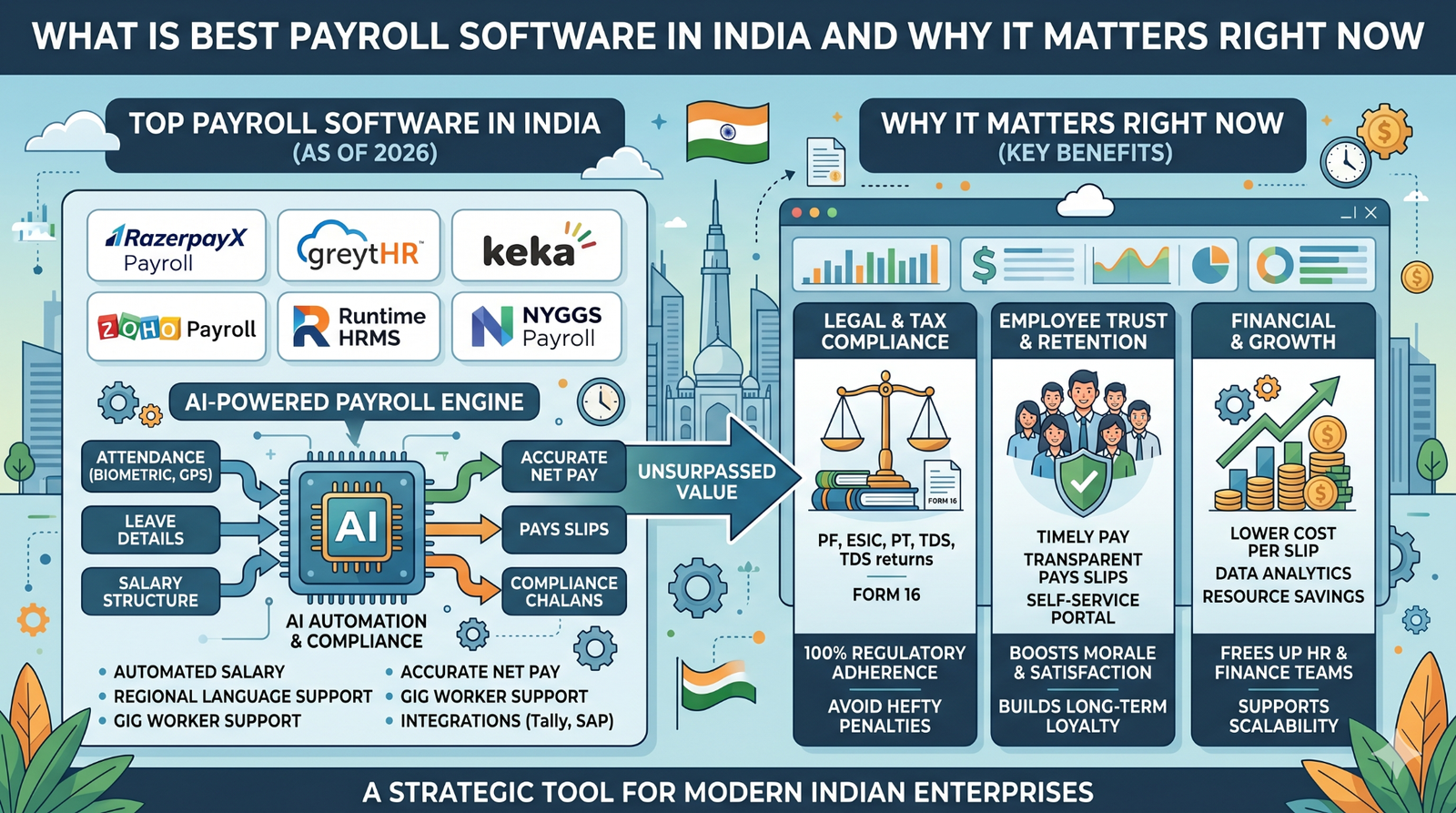
What Is Best Payroll Software in India and Why It Matters Right Now
Best payroll software in India is software that calculates employee pay, applies statutory deductions, and creates salary slips without manual work. The useful ones do more than print a payslip; they also track attendance inputs, tax rules, leave loss, reimbursements, and monthly changes in take-home salary.
This matters right now because Indian payroll is not just about paying salary on time. It has to deal with PF, ESI, TDS, professional tax, and state-based rules, and that is exactly where manual Excel work starts getting messy. A tool that auto generates salary slips saves time, but the real value is that it also reduces payroll errors before the slip reaches the employee.
One thing people notice after using payroll software for a few months is that the support load drops. Fewer employees ask HR to explain deductions, because the slip is generated from a structured system instead of a manually edited file.
Who This Is For Eligibility or Requirements
This is for startups, SMEs, HR teams, payroll executives, and founders who process salary every month and want less manual work. It is also useful for companies hiring freshers, interns, contractors, or hybrid teams, because those groups often need different salary structures and different slip formats.
The most important requirement is that the software must support Indian statutory compliance, not just payslip design. If a tool only creates a nice-looking slip but cannot handle PF, ESI, TDS, and professional tax logic, it will save time on day one and create trouble later.
Here is who benefits most:
- Small businesses with 1 to 50 employees. They usually need quick payroll setup and simple monthly slips without heavy IT support.
- Growing startups. They often need automation, bank transfers, compliance reminders, and a proper employee portal.
- HR teams in larger companies. They need bulk processing, audit trails, and better control over deductions and approvals.
- Job seekers and employees. They need easy access to slips for loans, rentals, and income proof.
Who should skip a basic tool is a company with complex payroll rules, many states, or multiple salary structures. In that case, a full payroll platform is safer than a free slip generator, because the slip is only one part of the payroll process.
How It Actually Works Complete Process
The workflow usually starts with employee master data. You add company details, employee name, designation, joining date, bank info, pay structure, and any fixed allowance setup. After that, the software stores the profile so you do not need to type the same information again every month.
Then you connect salary rules. This is the part many first-time users get wrong, because they think gross pay alone is enough. Good payroll software needs inputs for basic salary, HRA, special allowance, overtime, leave without pay, and statutory deductions, so the final slip matches the real salary structure.
Next comes payroll run. You lock the month, review attendance or leave data, and let the system calculate net pay automatically. In strong tools, this also updates PF, ESI, TDS, and professional tax based on the current employee profile and state rules. Once payroll is approved, the system generates salary slips and usually lets you download, email, or share them through an employee portal.
After that, the best tools keep the history organized. You can reopen old months, check past slips, and send duplicate copies without rebuilding anything. What nobody warns you about here is that the best software is not always the one with the most buttons; it is the one that makes the monthly payroll run the same way every time, even when HR staff changes.
Comparison Table Payroll Options Side by Side
| Name/Option | Key Feature | Best For | Limitation | Verdict |
| Razorpay Payroll | Auto payroll, compliance, payslip generation, bank payout support | Startups and fast-growing Indian teams | May feel heavier than a simple slip tool for very small teams | Best for full payroll automation |
| Zoho Payroll | Tax-compliant payroll with free payslip generator and Indian setup | Small to mid-sized teams that want a polished ecosystem | Free generator is useful, but full workflow needs setup | Best balanced option for HR teams |
| SalaryBox | Payroll automation with auto-generated payslips and HRMS-style flow | SMEs that want payslip generation with HR features | Can be more than some tiny teams need | Best for payroll plus employee experience |
| Free payslip generators | Quick slips, instant PDF download, minimal setup | One-off use or very small teams | Limited payroll logic and weak compliance depth | Best only for simple, low-volume needs |
If you are choosing for a startup, Razorpay Payroll and Zoho Payroll are the stronger picks because they handle more than document creation. If your only need is a quick slip for one employee, a free generator may be enough, but it is not the same as payroll software.
Real Benefits With Numbers Where Possible
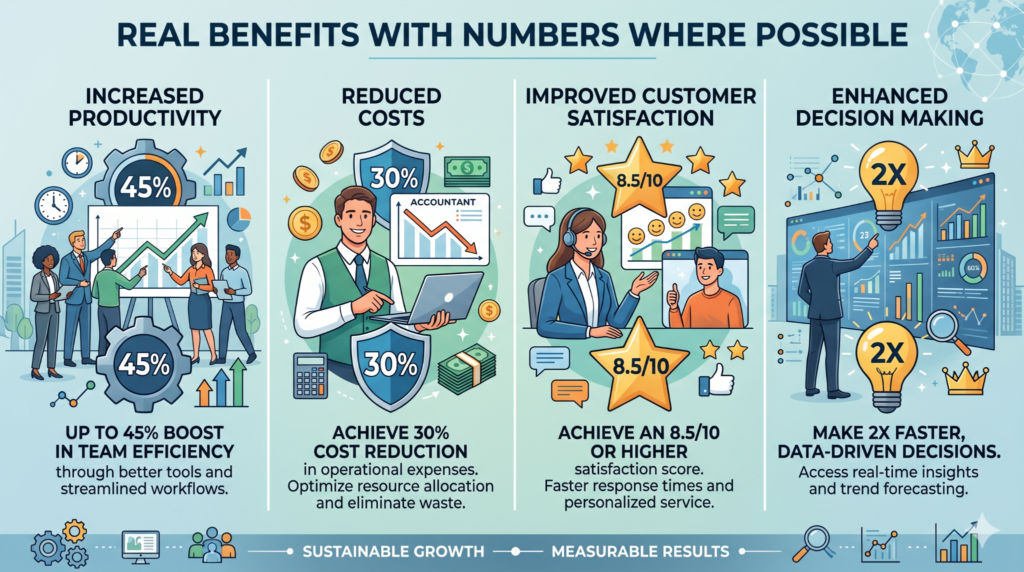
The first benefit is time savings. A payroll team that manually prepares slips for 20 employees can spend hours checking formulas, deductions, and exports, while automation turns that into a much shorter monthly process. When you actually try this, the difference feels bigger than the feature list suggests.
The second benefit is fewer errors. Indian payroll has recurring variables like leave without pay, tax changes, PF, ESI thresholds, and state-wise professional tax, so manual slips are easy to get wrong. A proper system reduces the chance of one typo becoming a salary dispute.
The third benefit is cleaner employee communication. When salary slips are auto-generated and sent through a portal or email, employees do not have to chase HR for every month’s copy. That alone removes a lot of small frustration from payroll week.
A fourth benefit that many articles skip is audit comfort. If someone asks for a previous month’s slip, a payroll system can pull it from history without hunting through email threads or old Excel files. That matters a lot in small teams because the same person often handles HR, payroll, and admin at once.
Mistakes Most People Make and the Fix
One mistake is choosing a payslip generator instead of payroll software. This happens because the words sound similar, and the website often makes both look easy. The consequence is that you get a pretty slip but still have to do deductions and monthly reconciliation by hand. The fix is to check whether the product actually runs payroll, not just exports a slip.
Another mistake is ignoring statutory coverage in the demo. Many buyers only ask, “Can it make salary slips?” and stop there. That is risky because PF, ESI, TDS, and professional tax are the parts that create mistakes later. Always test the demo with an actual employee profile, not a fake blank form.
A third mistake is buying for the present and not for the next six months. A tool that works for 3 employees may become painful at 15 if it has poor bulk handling or weak history access. This is one of those quiet problems people only notice after they have already uploaded everyone’s data.
A fourth mistake is not checking employee self-service. If staff cannot download their own slips, HR keeps getting repeat requests every month. That feels small at first, but it becomes annoying once payroll volume grows.
A fifth mistake is using the software without a clean salary structure. Even the best tool will generate messy slips if your basic pay, allowance split, and deduction logic are inconsistent. The fix is simple: set the structure first, then automate the slip.
Expert Tips That Actually Work
Start by testing one employee with a complete salary structure, not a simple example. A real profile with PF, deductions, and a leave adjustment will show whether the software handles practical payroll properly.
Check whether the tool auto-generates PDF slips and keeps monthly history. That sounds basic, but it saves a lot of time when employees ask for old records or when finance needs a previous month’s proof.
Use the software’s approval flow if it has one. HR teams often skip this step, but a quick review before final payroll catches many of the mistakes that create employee complaints later.
Look for bank transfer support if you are running regular salary cycles. Software that connects payroll calculation with payout is much easier to manage than separate tools for calculation and payment.
Choose a tool that supports bulk processing even if you are small today. The thing that surprises many founders is that payroll volume grows faster than expected, and the software that felt “too much” at five employees can become the easiest option at twenty.
Keep a backup export every month. Even cloud tools can have user access issues, and a local copy of payroll reports is smart housekeeping.
Frequently Asked Questions
Which payroll software auto generates salary slips in India?
Several payroll tools in India can auto generate salary slips, including Razorpay Payroll, Zoho Payroll, and SalaryBox. The better choice depends on whether you need full payroll automation or only slip generation. If you want compliance plus payroll control, choose a full payroll platform.
Is payroll software better than Excel for salary slips?
Yes, once payroll becomes regular and structured. Excel is fine for very small or temporary use, but software is better when you need repeatable monthly slips, history, and statutory calculations. It also lowers the chance of formula mistakes.
Can I generate salary slips for free in India?
Yes, free payslip generators exist, and some are very quick to use. But free generators are usually limited to document creation and do not replace full payroll processing. They are best for simple needs, not serious monthly payroll.
Does payroll software calculate PF, ESI, and TDS automatically?
Good payroll software does, and that is one of its main advantages. It can apply recurring deductions based on employee data and salary structure. That saves time and keeps the slip closer to compliance needs.
What is the best payroll software for startups in India?
For startups, the strongest choice is usually a platform that combines payroll, compliance, and payslip generation in one place. Razorpay Payroll is strong for automation, while Zoho Payroll is appealing if you want a clean system with a strong India focus. The best one is the one your team can run monthly without confusion.
Can employees download salary slips themselves?
Yes, many payroll platforms offer employee self-service access or an employee portal. This is useful because it cuts down on repeated HR requests. It also keeps the process faster and more private.
Is salary slip generation enough for payroll compliance?
No, not by itself. Salary slip generation is only one part of payroll, while compliance also includes tax handling, statutory deductions, reports, and payout accuracy. A tool should do both if you want fewer payroll problems.
Which software is easiest to use for HR interns?
Zoho Payroll and SalaryBox are often easier starting points because they are designed around payroll workflow and employee handling. For an intern, the best tool is the one with clear steps and fewer manual corrections. Easy setup matters more than a long feature list.
Quick Summary Take This Away
The best payroll software in India that auto generates salary slips is not just the one that makes a PDF. It is the one that calculates salary correctly, handles PF, ESI, TDS, and professional tax, and gives you a clean monthly flow. That is the real difference between a simple slip tool and proper payroll software.
Razorpay Payroll is a strong choice for automation-heavy teams, Zoho Payroll is a balanced option for many Indian HR setups, and SalaryBox works well for SMEs that want payroll plus HR features. Free tools are useful for quick slips, but they are not enough for ongoing payroll in most companies.
If you are choosing today, test one real employee profile, check how the software handles deductions, and see whether employees can access their slips without HR help. That is the fastest way to find the right fit.
Conclusion
A good payroll system should save time, reduce mistakes, and make salary slips easier to trust. The tools that do this well in India are the ones built for compliance, not just for appearance. That is why the right choice depends on both salary slip generation and the payroll engine behind it.
For a startup or small business, the smart move is to compare one full payroll platform and one simple generator side by side. Then test a real payroll month before you commit. Once you do that, the right answer becomes much clearer.
You do not need a complicated setup to get payroll under control; you need a clean system and one good monthly process.